Doe je eigen ding.
Why Ultramarine?
Get to work, faster
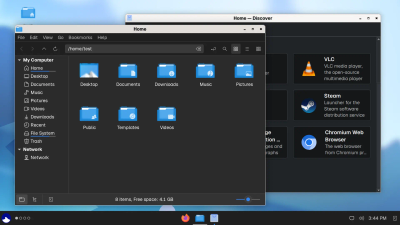
Ultramarine helps you get started quickly, we cut out the time consuming set up, and include everything you need to get started, from apps to drivers, so you can be ready to go in no time.
We include just what you need to get started, from a browser to a full office suite, and automatically install drivers for your hardware. Your apps, drivers, and the system itself are all updated together, and we install them when you choose to.
Learn more about our tweaks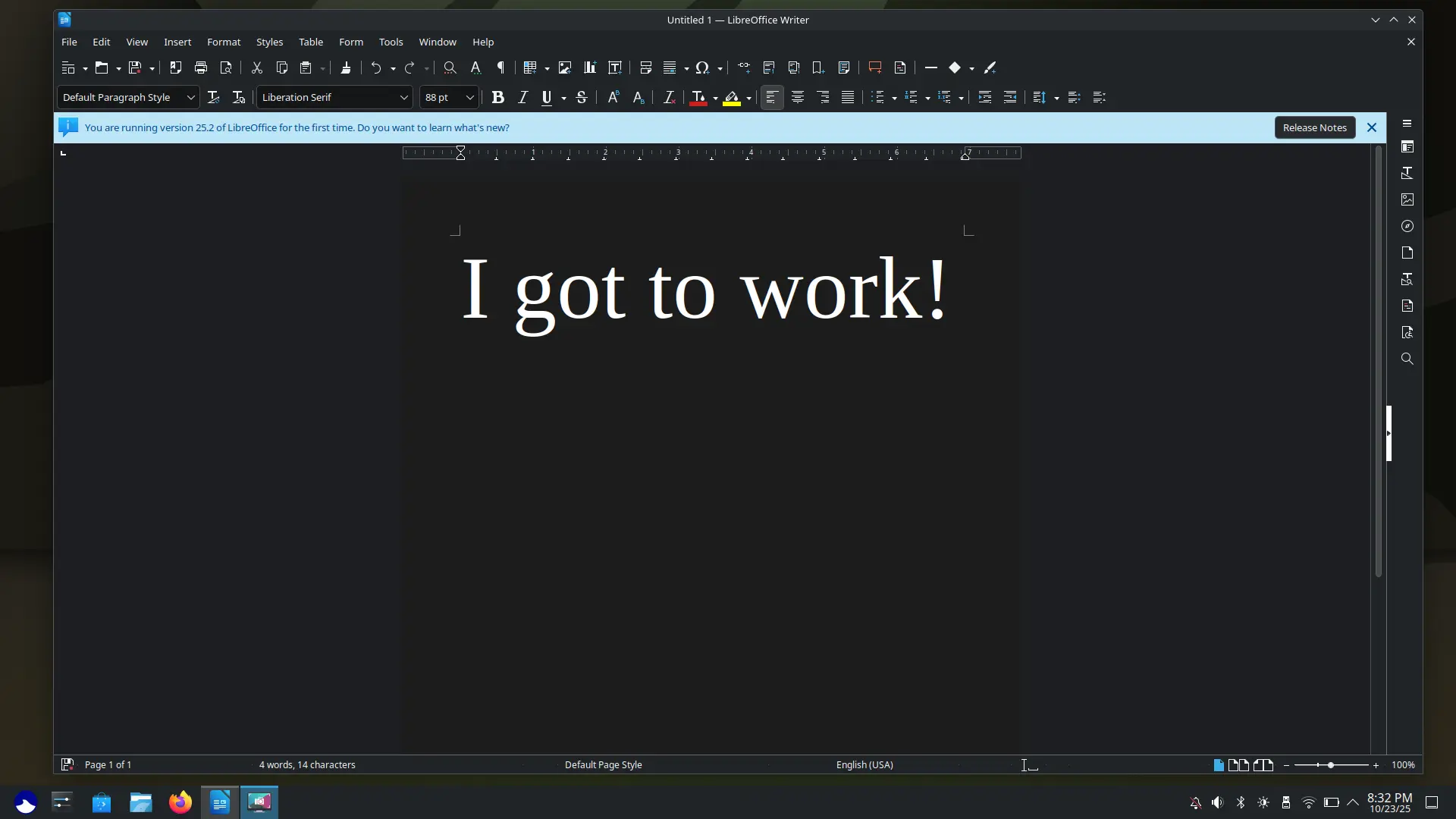
Your current computer, better
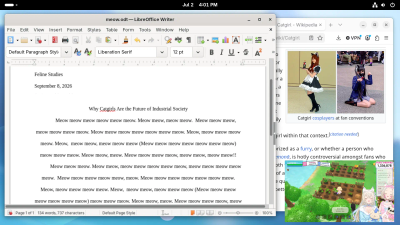
Ultramarine provides better experience for a wide range of hardware, from two-decades of PCs, to Chromebooks and SBCs. It runs better on the hardware you have, without arbitrary limits.
If your computer could run Windows 7, odds are it'll run Ultramarine, and probably better than newer OSes. Ultramarine comes with what you actually need, no ads, no tracking, and no limits.
Learn more about the Anywhere Initiative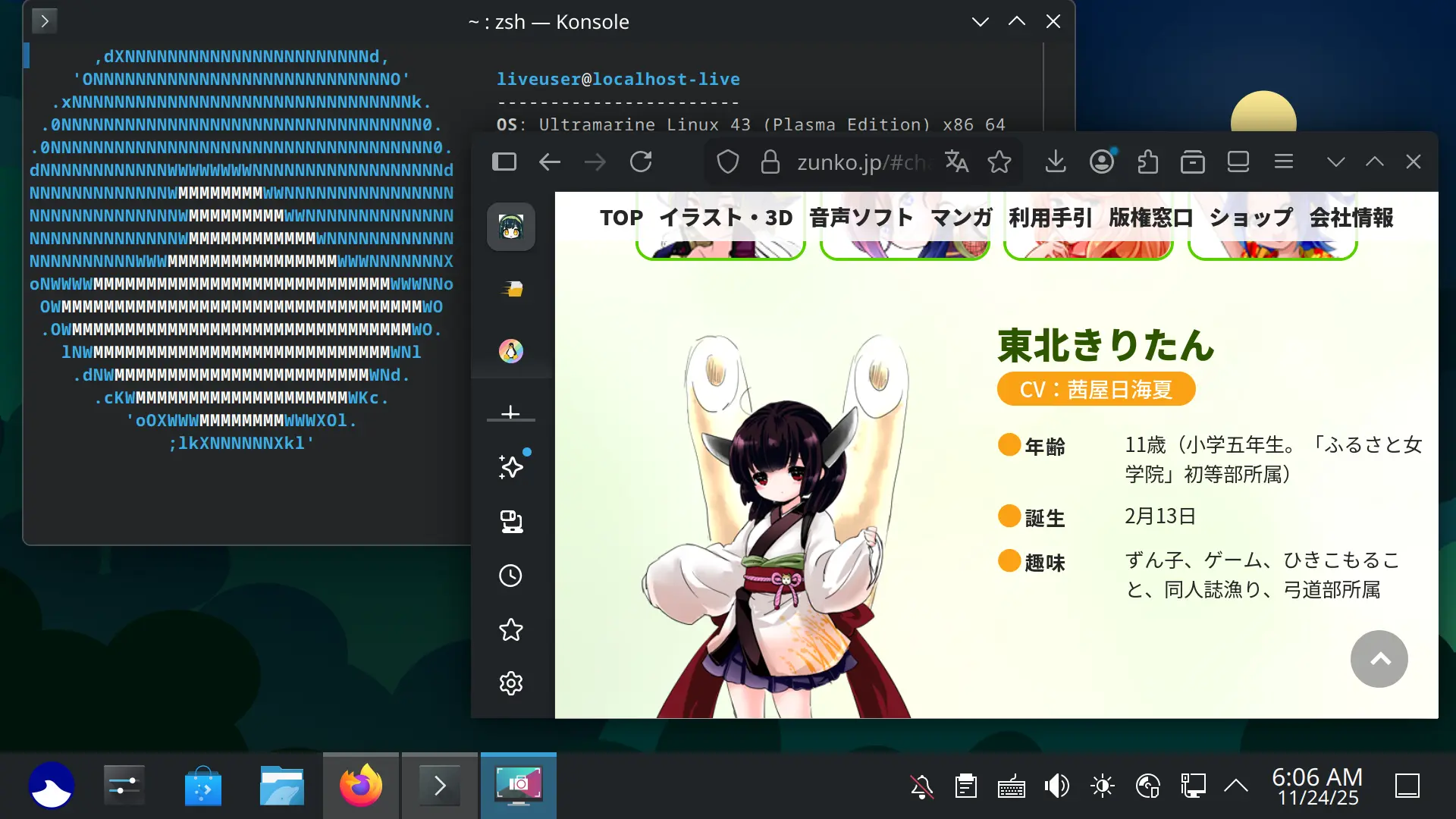
New tech, sooner
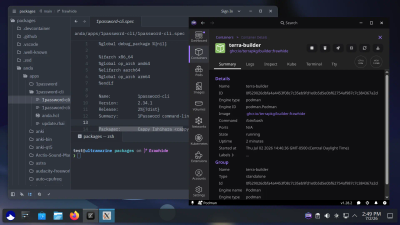
Ultramarine gets the latest and greatest tech quicker. From app updates, to the tools we use to build it, Ultramarine is ready for today’s world, and tomorrow’s.
We're always trying new things, you get the latest apps faster, support for the newest hardware sooner, and tech under the hood like dnf5 and systemd-repart before anyone else.
Learn more about our stackYou name it, Ultramarine runs it
From native apps on Flathub and Terra, to professional software like DaVinci Resolve, and many popular games on Steam, you'll be well equipped on Ultramarine.
Not only are apps abundant, they're at your fingertips in the included app store. Apps on Ultramarine are faster to install, and you don't have to check for unwanted extras. Just in case, most apps are blocked from touching your stuff without permission. You can go from a fresh install to playing your favorite game in 10 clicks.
Explore our app selection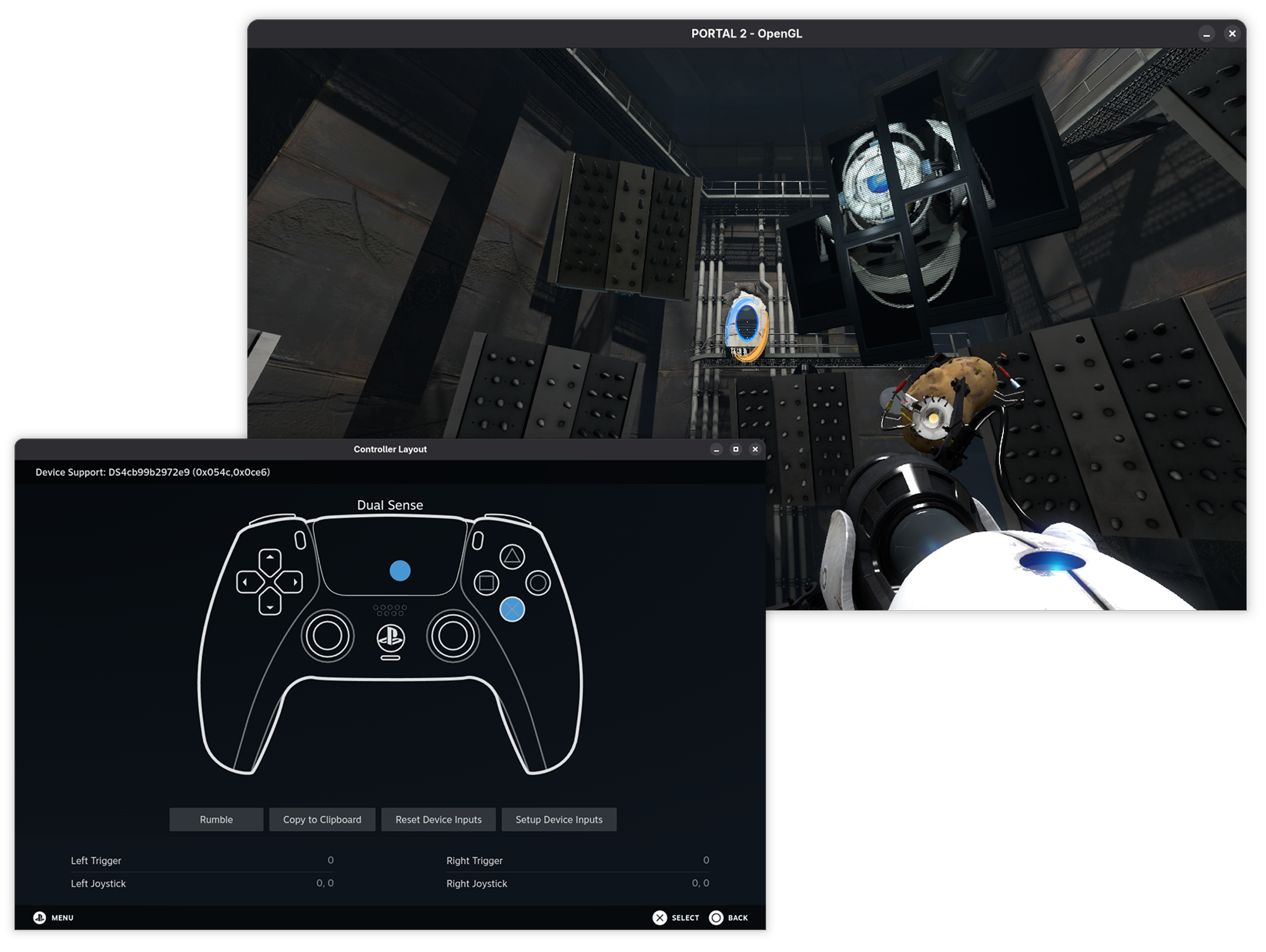
Geliefd bij de Mensen
Als je op zoek bent naar een nieuwe Linux distributie (of gewoon een nieuw besturingsysteem in het algemeen), raad ik Ultramarine Linux van harte aan.
- Jack Wallen, ZDNet
Geliefd door beginners en veteranen, vinden de meeste mensen [Ultramarine] een heel betrouwbare daily-driver Linux distro die niet in de weg geraakt.
- Sourav Rudra, it's FOSS News
[Ultramarine] Is een van de beste [Distributies] Die ik geprobeert heb doorheen 2024.
- Jusdeit (Vertaalt uit het Spaans)
Vaak Gevraagde Vragen
Waarom bestaat deze distro?
Ultramarine Linux's primaire doel is om een direct bruikbare ervaring te geven, zonder dat daarvoor de laatste Linux updates en innovaties voor worden weg gesmeten. We nemen wat goed is aan Fedora, en we bouwen er een ervaring op die iedereen, overal kan gebruiken.
Is dit niet gewoon Fedora met extra repos?
Ultramarine komt met veel verschillende tweaks en cutting-edge componenten die niet normaal aanwezig zijn in Fedora, zoals onze in-house installer, een out of the box ervaring en multilinguele steun.
Wat doet het migratiescript?
Het migratiescript instaleert RPM Fusion, Terra, en de absolute minimum van een Ultramarine Linux installatie (Door Fedora-packages te vervangen met die van Ultramarine Linux).
Het script installeert alleen de absolute minimum voor Ultramarine Linux om te werken omdat we niet extra bloat willen toevoegen aan je bestaand systeem.
Houd Ultramarine mijn locatie bij of verzamelt het mijn gegevens?
As of now, the only data we collect is a count of how many times a package has been downloaded from Terra or the Ultramarine repository using DNF Counting, and the number of times our out of box experience connects to the internet. This information does not include any information about your system beyond your CPU architecture, Ultramarine version, and Edition. Fyra Labs (the company behind Ultramarine) does not collect any data that can be tied to an individual.
Is Ultramarine semi-rolling?
Does Ultramarine run on my device?
If you're using a standard PC, yes. Otherwise, if your computer is 64-bit, check out the Ultramarine Anywhere page for more about non-standard devices.