start work on bootc base

Ultramarine幫您更快開始。我們削去費時的安裝步驟,並加入您需要的應用及驅動程式,令您立即準備好。
由瀏覽器、辦公室套件,至到適合您的裝置的驅動器,都會被自動安裝,剛好讓您啟動您的旅程。所有部件都能按您指示安裝和全部更新。
理解更多調整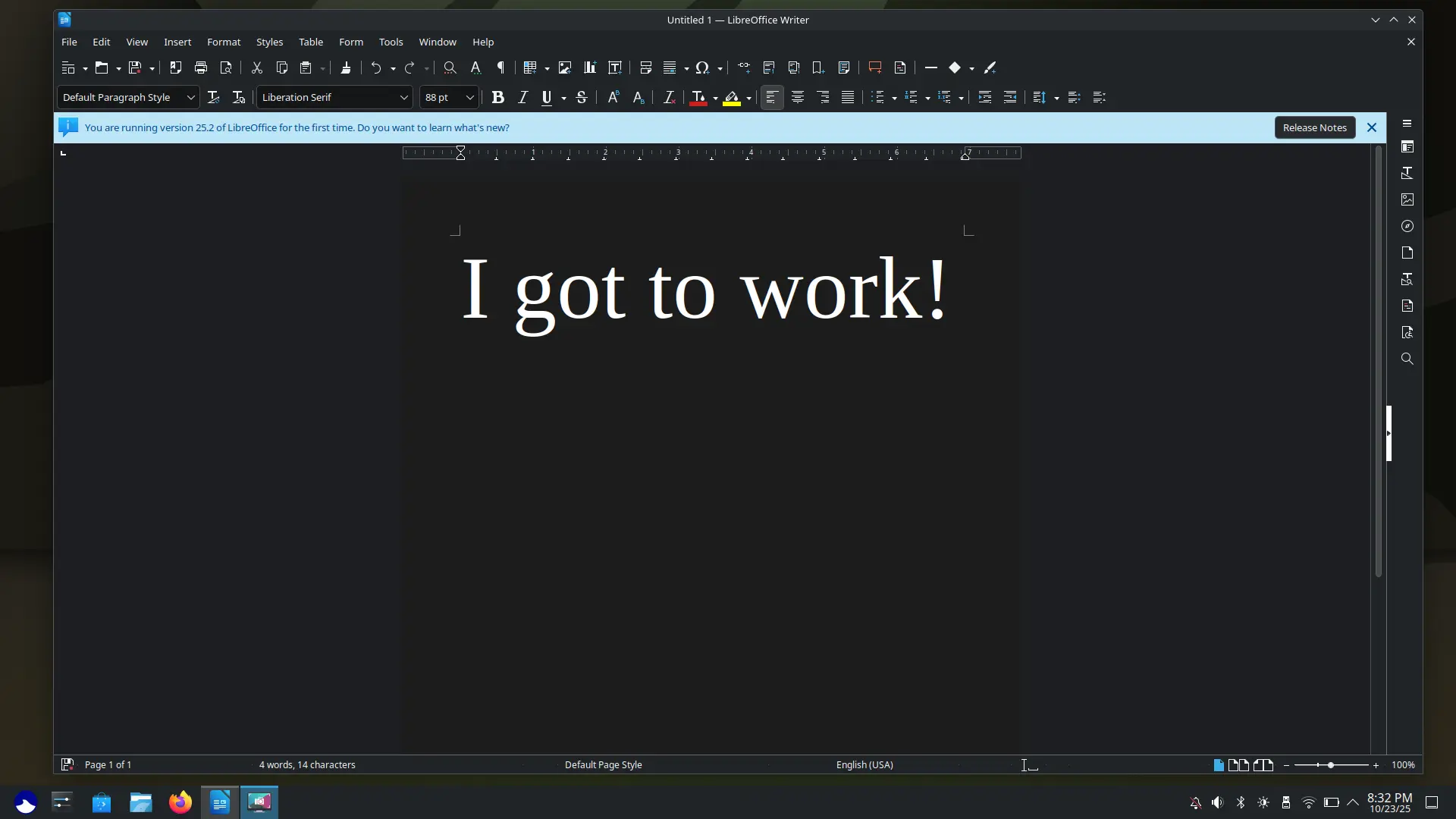
Ultramarine為各類型的裝置提供更好的體驗,不論是二十年前的電腦,還是Chromebook、SBC等,都能無限制令您的心肝寶貝跑得更快。
若果您的電腦能執行Windows 7,很大機會Ultramarine會行得好過其他新的系統。Ultramarine只會有您需要的,無廣告、無追蹤、無限制。
對Anywhere Initiative瞭解更多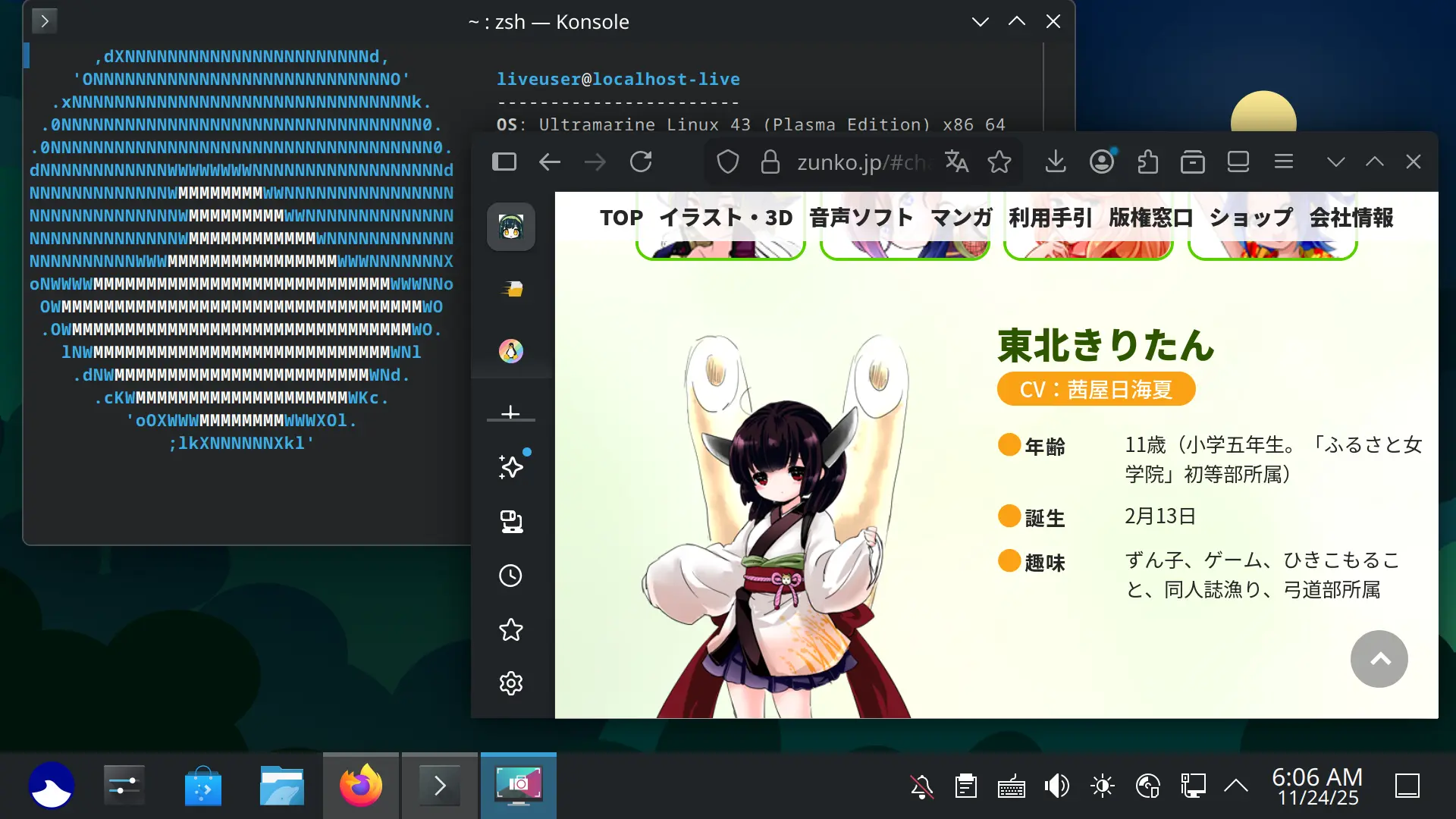
Ultramarine更快取得最新最好的科技。由應用更新至製造Ultramarine的工具,使它為今天甚至明天做好準備。
我們不斷追求創新,您能夠比其他人更早得到最新的應用、最新裝置的支援、dnf5、systemd-repart等後臺科技。
瞭解更多我們的科技Ultramarine Linux旨在創造一個即裝即用嘅體驗,同時跟上Linux桌面最新嘅發明。我哋建基於Fedora嘅好處上面,推出任何人喺邊都用得嘅體驗。
Ultramarine comes with many different tweaks and cutting-edge components that are not present in Fedora, most notably with our in-house installer, out of box experience, and multilingual support.
The migration scripts install RPM Fusion, Terra, and the bare minimum of an Ultramarine Linux installation (Swapping Fedora release packages with the Ultramarine ones).
The script only installs the bare minimum required for Ultramarine Linux to work because we don’t want to add additional bloat to your current system.
As of now, the only data we collect is a count of how many times a package has been downloaded from Terra or the Ultramarine repository using DNF Counting, and the number of times our out of box experience connects to the internet. This information does not include any information about your system beyond your CPU architecture, Ultramarine version, and Edition. Fyra Labs (the company behind Ultramarine) does not collect any data that can be tied to an individual.
If you're using a standard PC, yes. Otherwise, if your computer is 64-bit, check out the Ultramarine Anywhere page for more about non-standard devices.